USB oscilloscopes from Pico Technology are well-known for offering real PC-based measurement tools with high sample rates and good software support, at a price point accessible to hobbyists, educators, and engineers alike.
🏷️ Pico Oscillosope Deals ⭐⭐⭐⭐
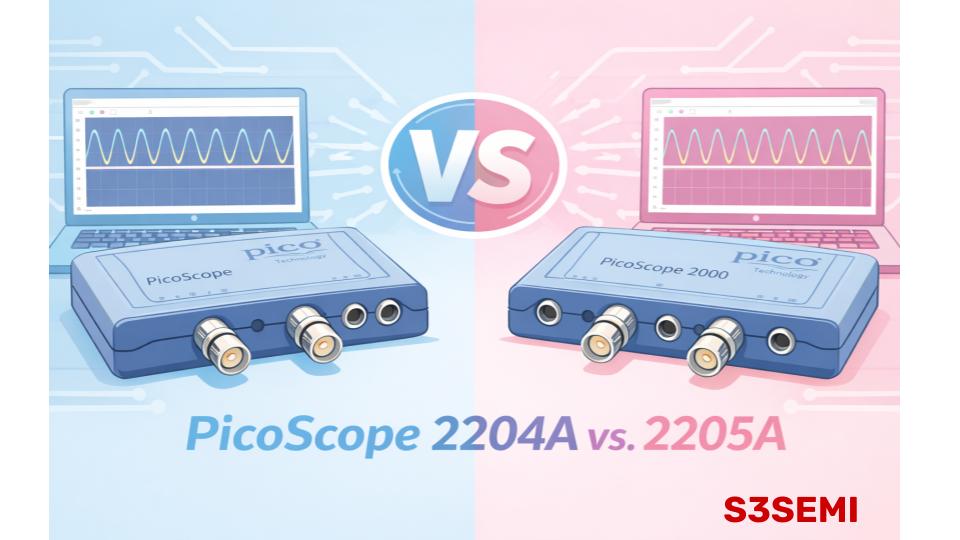
In the low-cost PicoScope family, the 2204A and 2205A are two closely related models that often cause confusion. Despite similar names and specs, there are key differences that affect performance and usability.
This article breaks down how the two compare – so you can make an informed decision.
📊 Quick Comparison
| Feature | PicoScope 2204A | PicoScope 2205A |
|---|---|---|
| Channels | 2 | 2 |
| Bandwidth | 10 MHz | 25 MHz |
| Sample Rate (per channel) | 100 MS/s | 200 MS/s |
| Memory Depth | 8 kpts (limited buffer) | ~16 kpts (shared) |
| Resolution | 8 bits | 8 bits |
| Input Sensitivity | ±50 mV to ±20 V | ±50 mV to ±20 V |
| Trigger Types | Standard | Standard + advanced |
| Software Support | PicoScope 6 & 7 | PicoScope 6 & 7 |
| Best for | Basic signals, education, low-freq analog | Wider bandwidth, more demanding signals |
| 💳 Pricing | 💲Check Price | 💲Check Price |
🌱 PicoScope 2204A – Entry-Level, Budget Friendly
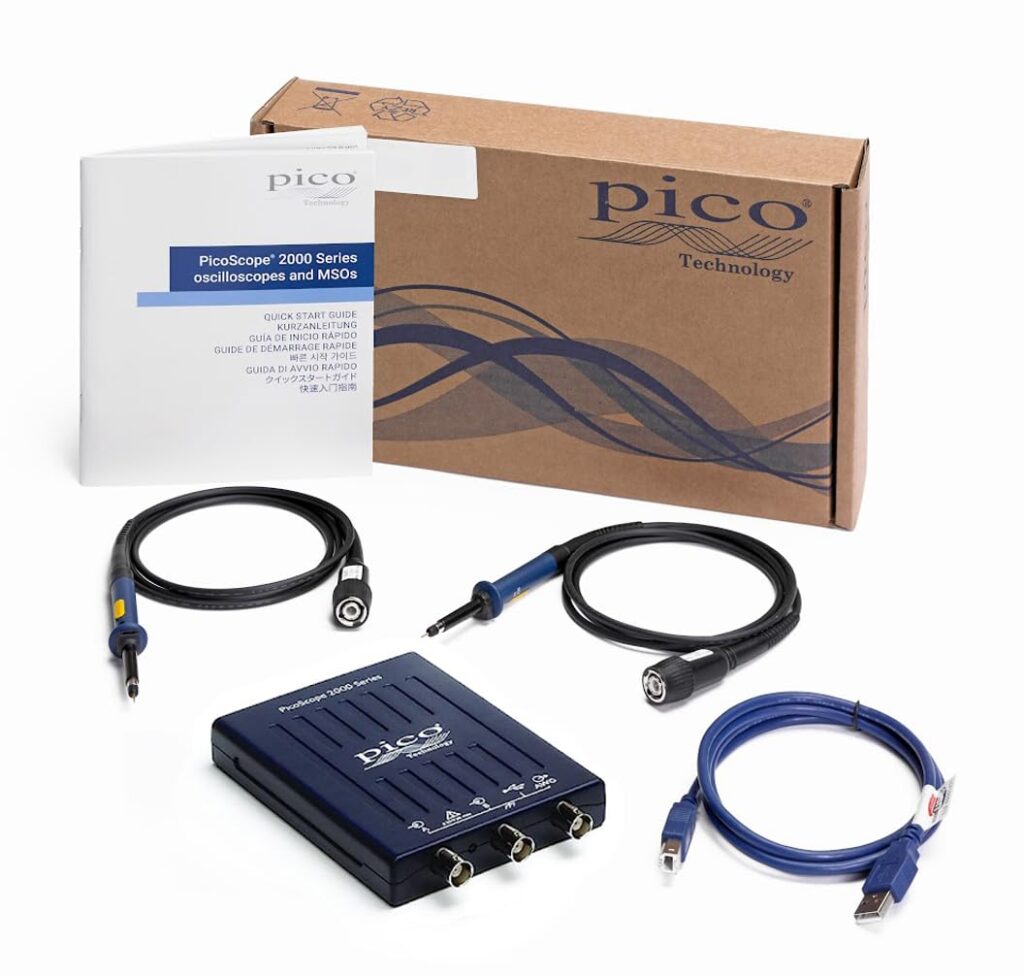
The PicoScope 2204A is the most affordable model in the lineup. It is designed for basic signal visualization and lower-frequency work.
Key strengths
- 10 MHz bandwidth
- 100 MS/s sampling
- Simple two-channel interface
- Compact, USB-powered design
- Built-in signal/frequency generator
This model is best suited for:
- Audio work
- Low-speed digital electronics
- Microcontroller projects at modest speeds
- Educational labs
- Beginners learning oscilloscope fundamentals
Its main limitation is bandwidth. It can still display faster square waves, but edges will appear rounded and detail will be lost compared to higher-bandwidth models.
⭐ PicoScope 2205A – Same Format, More Performance
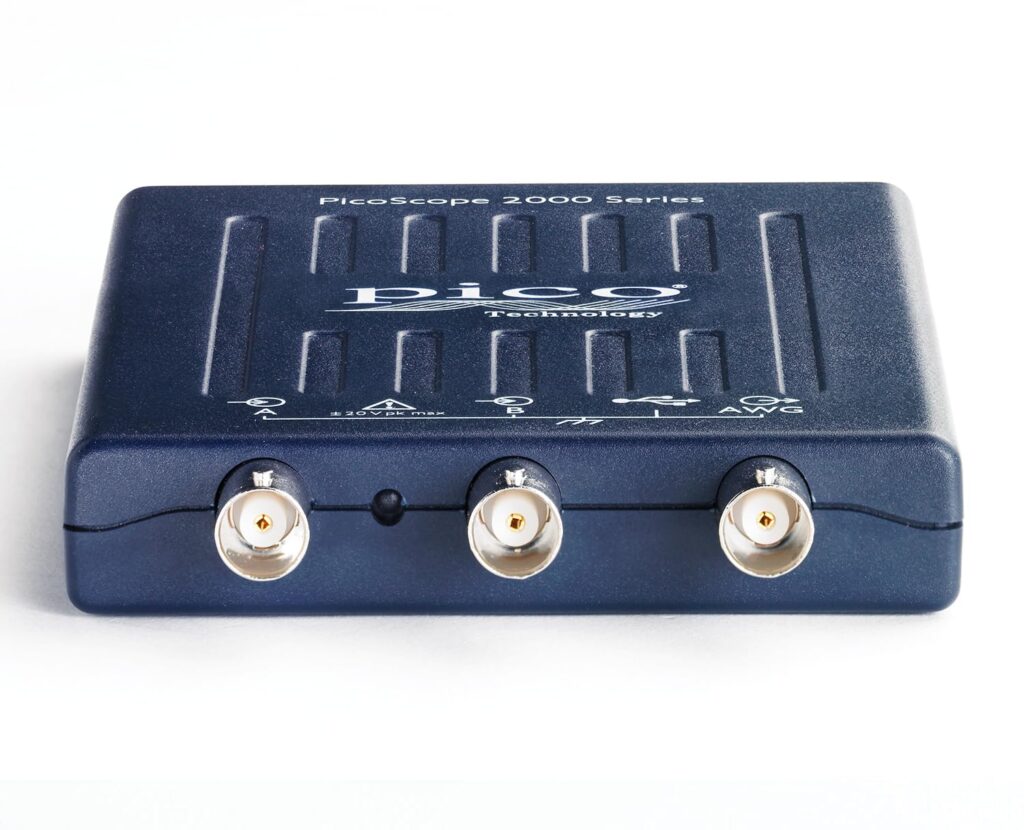
The PicoScope 2205A keeps the same compact form factor but significantly upgrades performance specifications.
What improves over the 2204A
- Bandwidth increases to 25 MHz
- Real-time sample rate doubles to 200 MS/s
- Memory buffer increases to 16 kpts
This matters when you are working with:
- Higher-speed digital logic
- SPI, I²C, UART at faster clock rates
- Switching power supplies
- RF-adjacent signals in the low-tens-of-MHz range
Waveforms appear cleaner and square waves maintain sharper edges due to the higher bandwidth and sampling rate.
⚙️ What Both Models Have in Common
Regardless of which model you choose, both scopes offer:
- Two analog input channels
- USB power (no external supply required)
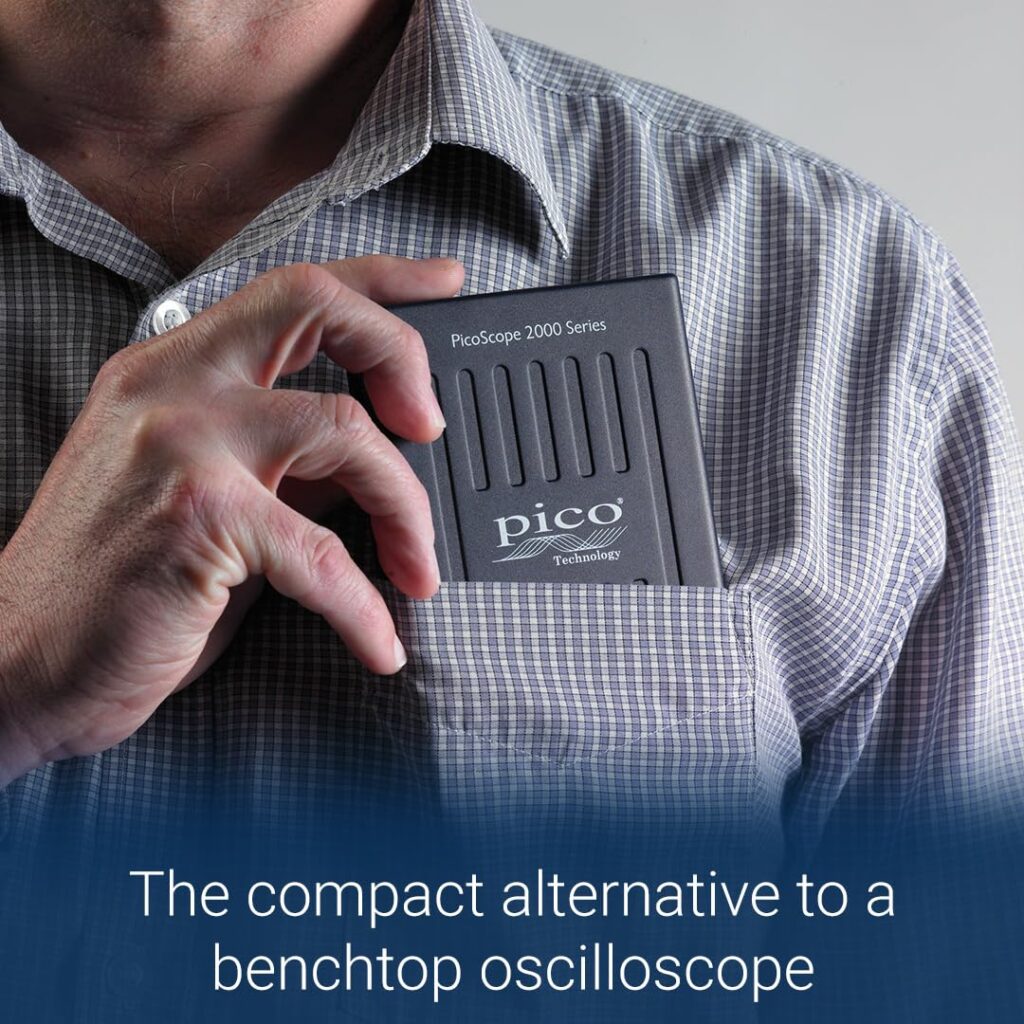
- Compact pocket-sized enclosures
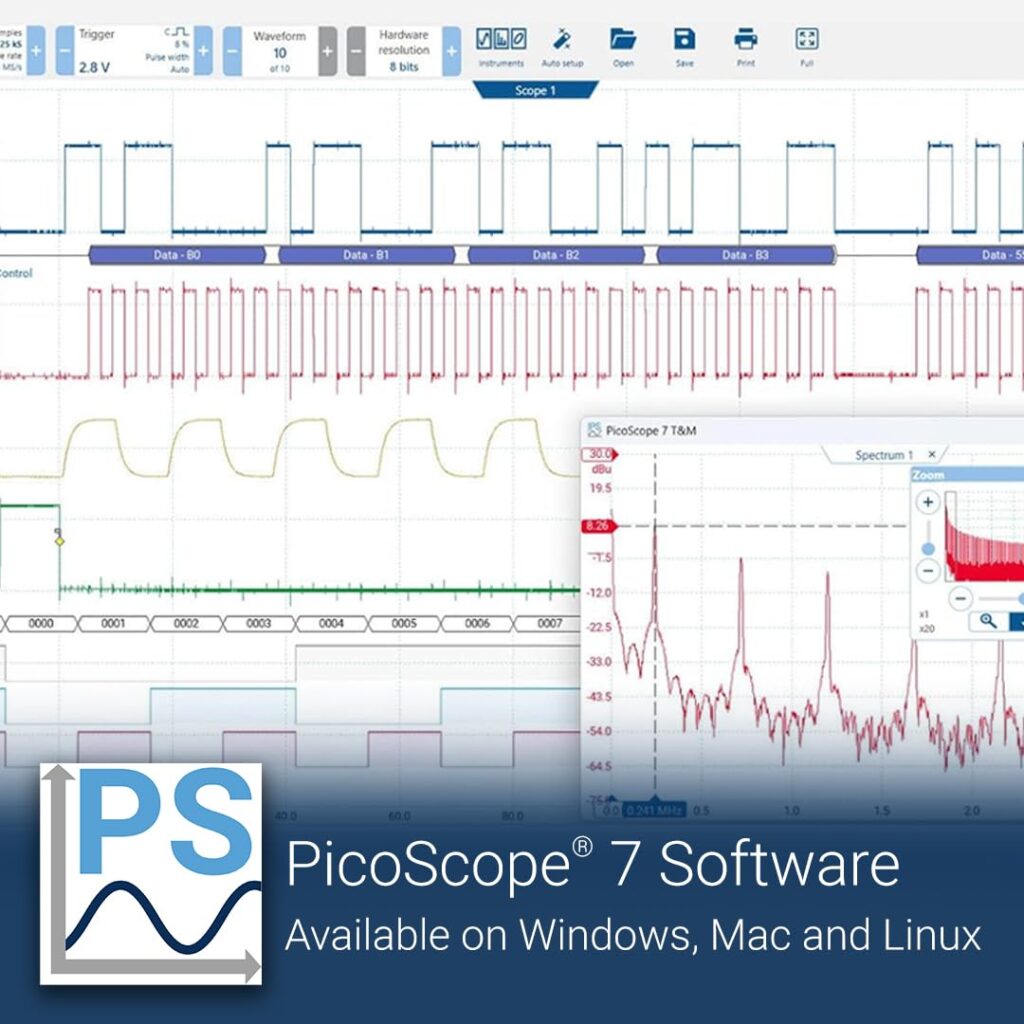
- Software-based UI via PicoScope application
- Math functions and spectrum view
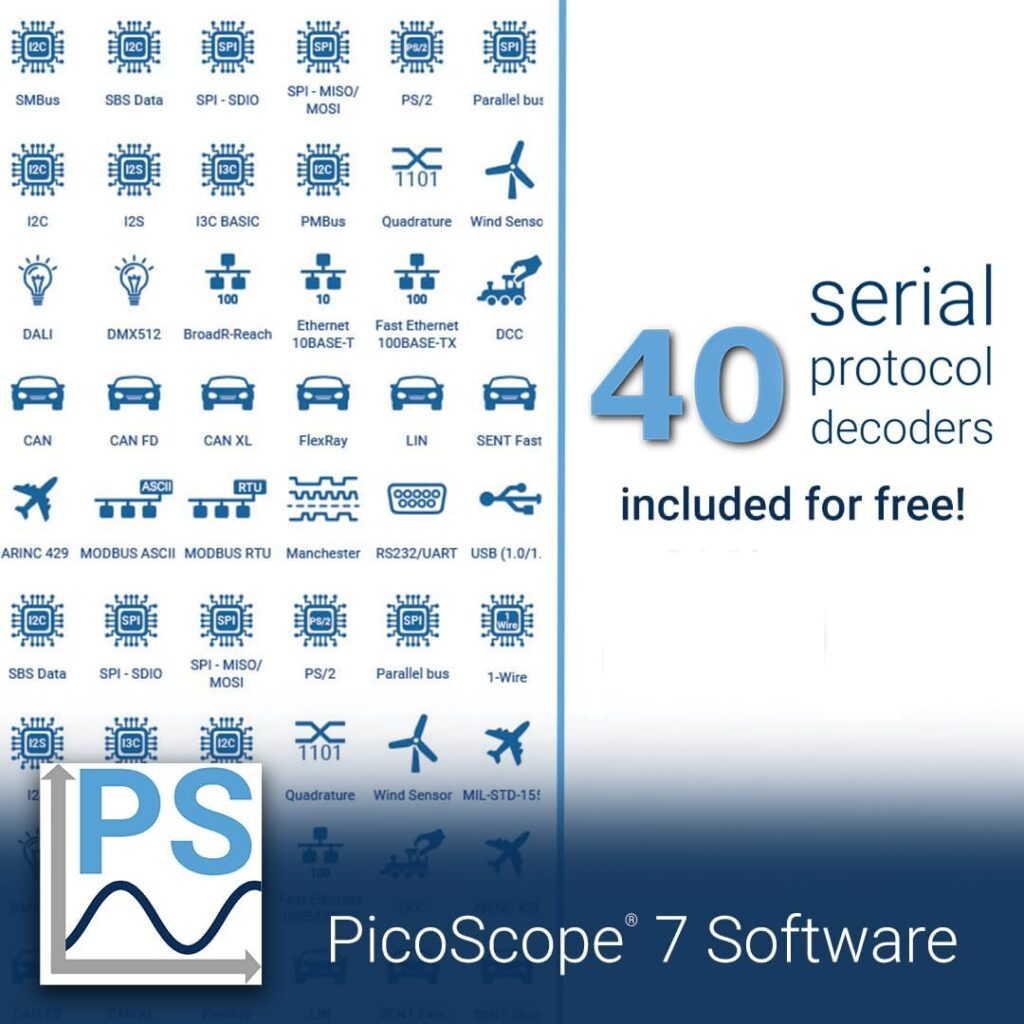
- Serial protocol decoding options
- Arbitrary waveform generator
The user experience is essentially identical between models since both rely on the same software environment. The difference is in what signals they are capable of accurately capturing.
📌 What These Specs Actually Mean
🟢 Bandwidth (10 MHz vs. 25 MHz)
Bandwidth determines the highest frequency the scope can accurately capture.
- 2204A: 10 MHz
- Suitable for slow analog signals, basic PWM, audio, and logic timing.
- Great for microcontroller projects (Arduino, PIC, AVR) where signals rarely exceed a few MHz.
- 2205A: 25 MHz
- Better for higher-frequency analog circuits.
- Useful for digital buses, higher-speed PWM, and faster edge detection.
- Still not a “high-speed” RF scope, but a big step up from 10 MHz.
📌 Rule of thumb: You want ×5–10 bandwidth headroom over your highest signal frequency for fidelity. So 50 MHz is generally more versatile than 20 MHz.
🖥️ Software Support – The Big Advantage
One place both models shine is software:
PicoScope 6 & PicoScope 7
- Intuitive UI, scope + math + persistence views
- Advanced triggers, protocol decoding add-ons
- Free updates
- Runs on Windows and (supported) Linux/macOS via PicoSDK bindings
Both 2204A and 2205A work with the same software tools, so you get:
- FFT and spectral analysis
- XY plots
- Digital triggers
- Math channels
- A wide library of decoders (SPI, I2C, CAN, UART, etc.)
Software parity makes choosing between them about hardware performance, not platform features.
🧩 Triggering, Inputs, and Practical Use
Both units are functionally similar in triggering and input range:
- Single-shot, edge, pulse width, window triggers
- ±50 mV up to ±20 V input range
- Standard BNC inputs (2 channels)
That means you can use either for:
- Debugging microcontroller waveforms
- Audio signal analysis
- Verifying switching behavior
- Educational lab work
The only practical limitation that stands out is the 2204A’s lower bandwidth on higher-speed signals.
💵 Which Should You Buy?
🧸 Choose PicoScope 2204A if:
- You’re on a tight budget
- Your work is low-frequency analog or digital
- You’re learning basics of oscilloscopes
- You want a capable scope for microcontrollers and audio
🚀 Choose PicoScope 2205A if:
- You want wider bandwidth
- You work with faster digital signals or higher PWM frequencies
- You want a more “future-proof” low-cost scope
- You plan to use it for a wider range of electronics work
In most cases, the 2205A’s 25 MHz bandwidth is worth the modest price premium, because it captures a broader range of real-world signals more accurately.
🧰 Practical Examples
| Application | PicoScope 2204A | PicoScope 2205A |
|---|---|---|
| Arduino / MCU GPIO | ✔ | ✔ |
| Audio waveform analysis | ✔ | ✔ |
| 10–20 MHz PWM | ⚠️ Limited | ✔ |
| SPI / UART timing | ⚠️ Limited (edges less accurate) | ✔ |
| Fast edge inspection | ⚠️ Limited (rise/fall detail reduced) | ✔ |
🧠 Real-World Performance
Remember: specs don’t tell the full story.
PicoScope Pros (Both Models)
- USB-powered and compact
- Excellent software relative to price point
- Easy PC capture and screenshot tools
- Protocol decoders available
- Free lifetime software updates
Limitations
- 8-bit resolution (good but not high-precision ADC)
- Not designed for extremely high-speed signals (RF)
- Depends on PC performance for display responsiveness
You won’t replace a premium benchtop scope with these — but for the price, they’re very capable tools.
📦 Conclusion
Both the PicoScope 2204A and PicoScope 2205A are excellent USB-based oscilloscopes for hobbyists, educators, and engineers on a budget. The key difference is bandwidth:
- 2204A (10 MHz): Great starter scope for basic work
- 2205A (25 MHz): Better general-purpose tool with broader signal coverage
If you plan to work with higher-frequency digital signals or more demanding analog circuits, the 2205A is the smarter long-term choice. If your work rarely leaves the low-frequency domain, the 2204A is still a solid pick.